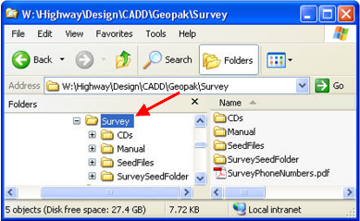
All directories shown are only available to Iowa DOT employees. Outside users should download all of these files from the Iowa DOT website. Files, structure, and naming should remain the same for all projects.
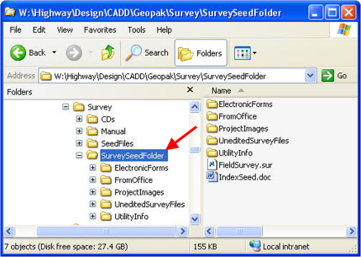
All seed files, settings files and manuals are located in the Survey folder in the directory shown at the right.
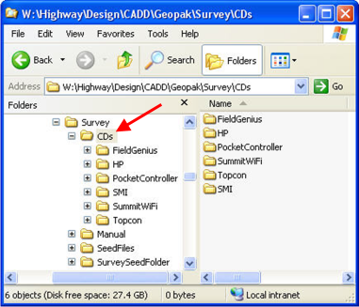
The CDs folder, as shown at the right, contains installation software related to all field surveying hardware and software.
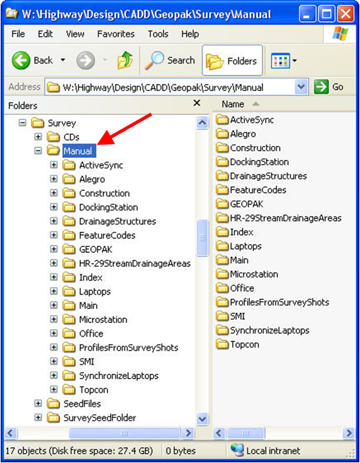
The Manual folder contains all of the electronic versions of instructions. This includes the user manuals for all field software and hardware. The official version of the Preliminary Survey Process can be found in the Design Manual, Chapter 40.
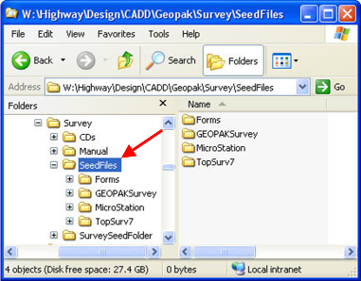
The SeedFiles folder contains all the files necessary to start and complete a survey job using MicroStation and GEOPAK.
The SurveySeedFolder is the folder that you copy locally to your laptop when beginning a new survey project. It contains the MicroStation drawing seed file and the seed files for the electronic pink sheet database and Index.
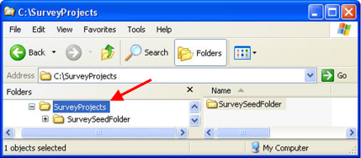
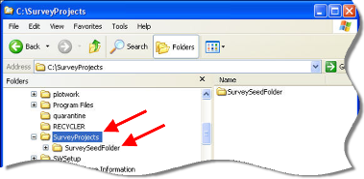
A folder called SurveyProjects has been created on each of the survey laptops. This folder will contain all of the individual survey project folders.
To create a new survey project folder, copy the SurveySeedFolder, from the server location shown above, to the SurveyProjects folder on the laptop “C” drive. The result of the “copy” is shown at the right.
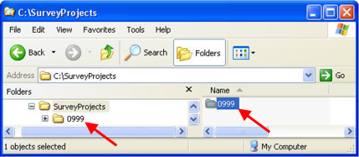
Rename the newly copied SurveySeedFolder to the Survey and Photogrammetry(SAP) identification number; “0999” in this example. If there is not yet a SAP number, then provide a name for the folder that appropriately describes it so the project can be identified in the future.
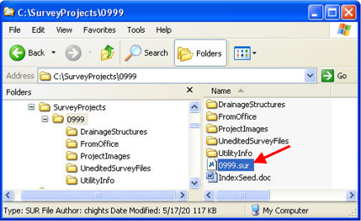
Contained within the SAP# folder (formerly the SurveySeedFolder) is the MicroStation drawing seed file called FieldSurvey.sur. You will rename the FieldSurvey.sur file to the SAP# for your project, as shown at the right. This name will also match the folder name, (0999 in this example).
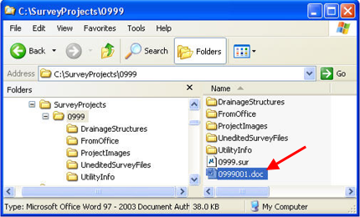
You can now rename the IndexSeed.doc file. This file name should start with an “I” and then the four digit SAP number followed by a three digit number, beginning with “001”. You will add one (1) to the last number of this series for each additional survey on this project.
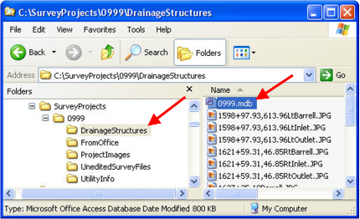
The DrainageStructures folder contains the Pink Sheet database and all photos related to drainage structures. This file should also be renamed to the SAP number. Instructions for completing the database can be found in another section of the Design Manual.
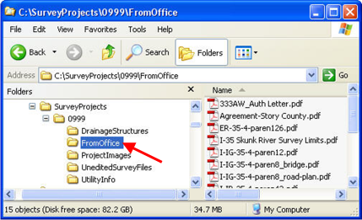
The FromOffice folder should contain all correspondence and files received from the Iowa DOT. Sub folders may be created to better organize this information.
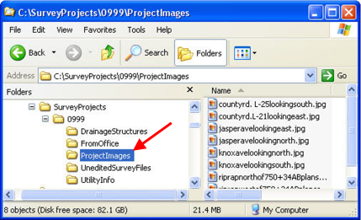
The ProjectImages folder should contain all photos taken in the field that do not relate to drainage structures. Photos are required to show each side road and any other item that the surveyor believes the designer would like to see.
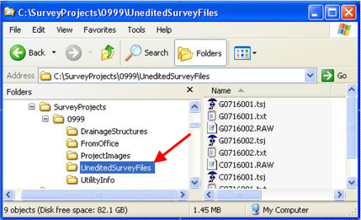
The UneditedSurveyFiles folder should contain the unedited survey files as they were collected in the field. The manufacturer specific files, an ASCII readable version of the RAW data and an ASCII coordinate file should be created and placed into this folder. Any edited version that is used to import the data into GEOPAK should be a copy of these files and placed in the 0999 folder.
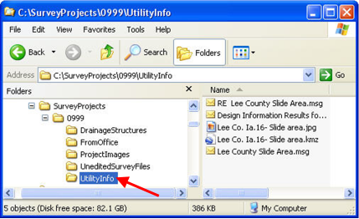
The UtilityInfo folder should contain copies of emails containing all correspondence with Iowa OneCall and the utility companies. Any electronic files received should also be placed into this folder.
To make the survey information more manageable, additional folders may be created as needed.